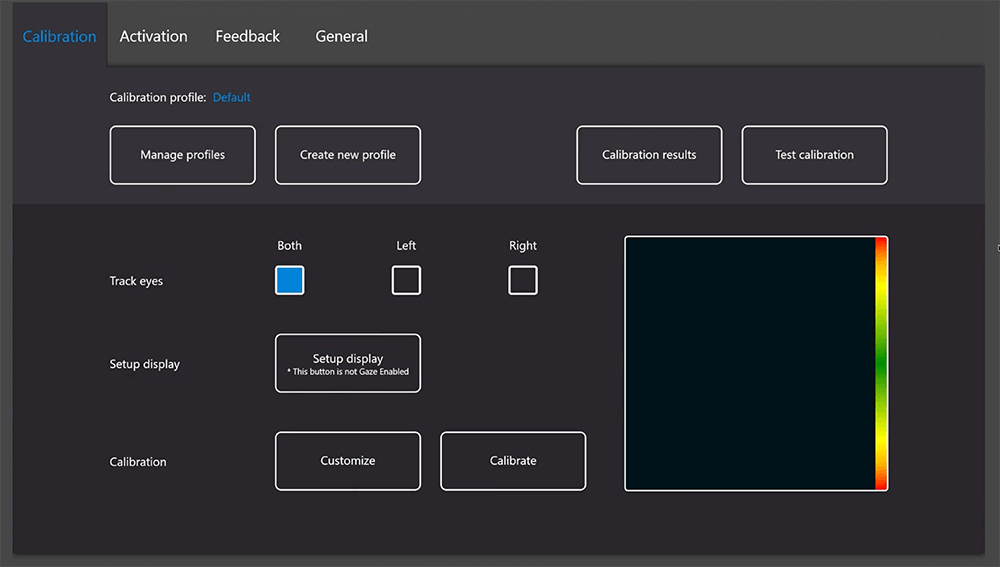
No More Accidental Pauses!
posted on
Turning Off the Off-Screen Menu in Eye Gaze System The Off-Screen Menu is a feature within Eye Tracking Settings that allows users to access system controls (such as pause, calibration, and settings) …
posted on
Turning Off the Off-Screen Menu in Eye Gaze System The Off-Screen Menu is a feature within Eye Tracking Settings that allows users to access system controls (such as pause, calibration, and settings) …
posted on
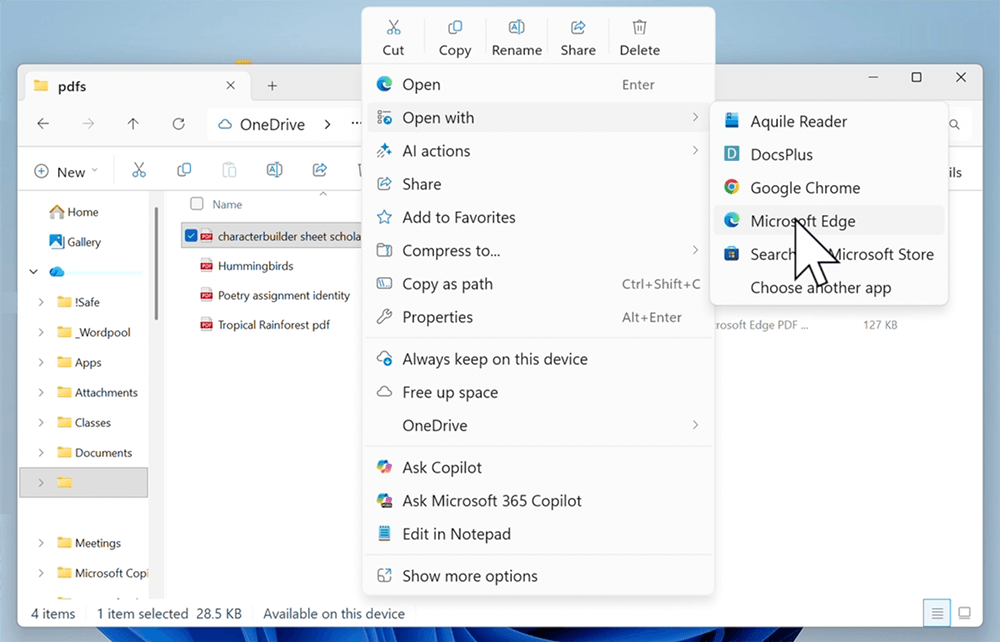
PDF annotation on a Windows device supports active reading, writing, and editing, without the need for additional software programs. The following steps outline how to access and use these tools. Anno…
posted on
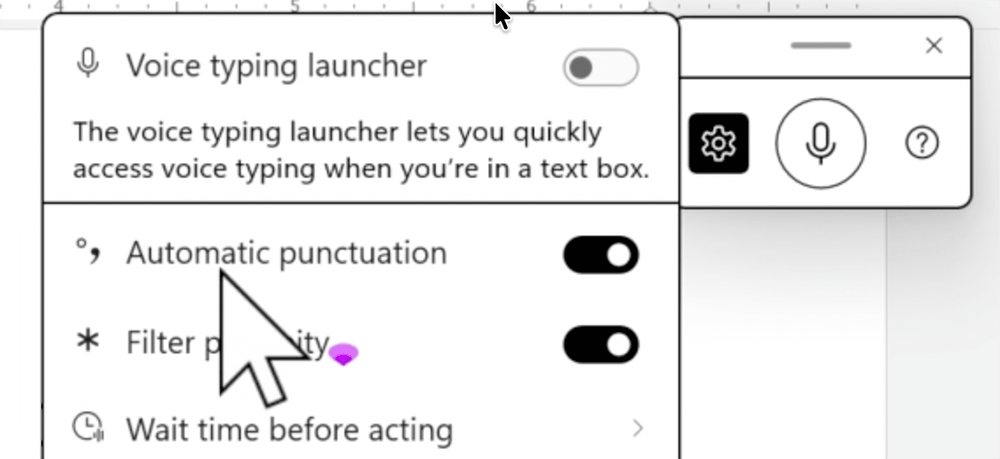
Speech-to-text can help support learners when writing. Follow along with these steps to enable this function on a Windows device. Speech to Text (Windows)…
posted on
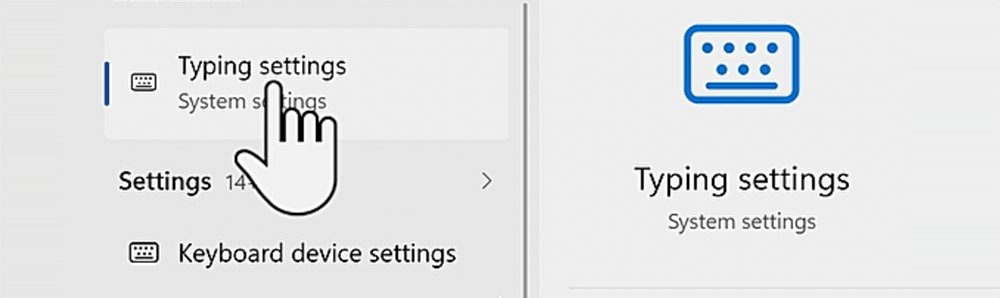
Use predictive text with your students to support their writing. Follow along with these steps to make sure this feature is enabled on your Windows device. Predictive Text (Windows)…
posted on
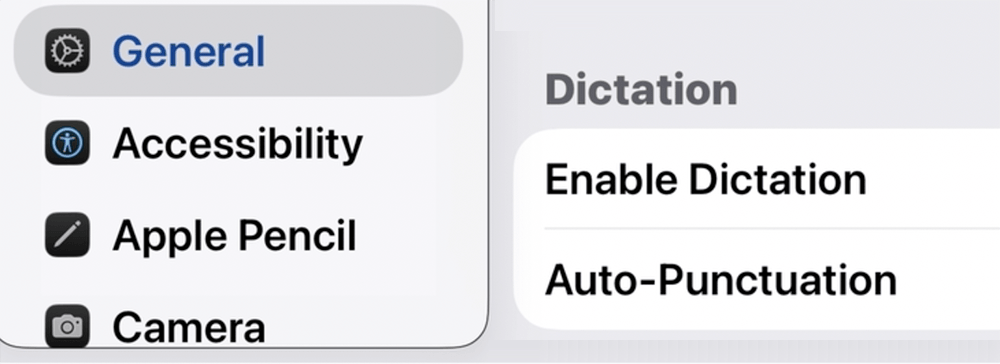
Speech-to-text can help support learners when writing. Follow along with these steps to enable this function on an iPad. Speech-to-Text (iPad)…
posted on
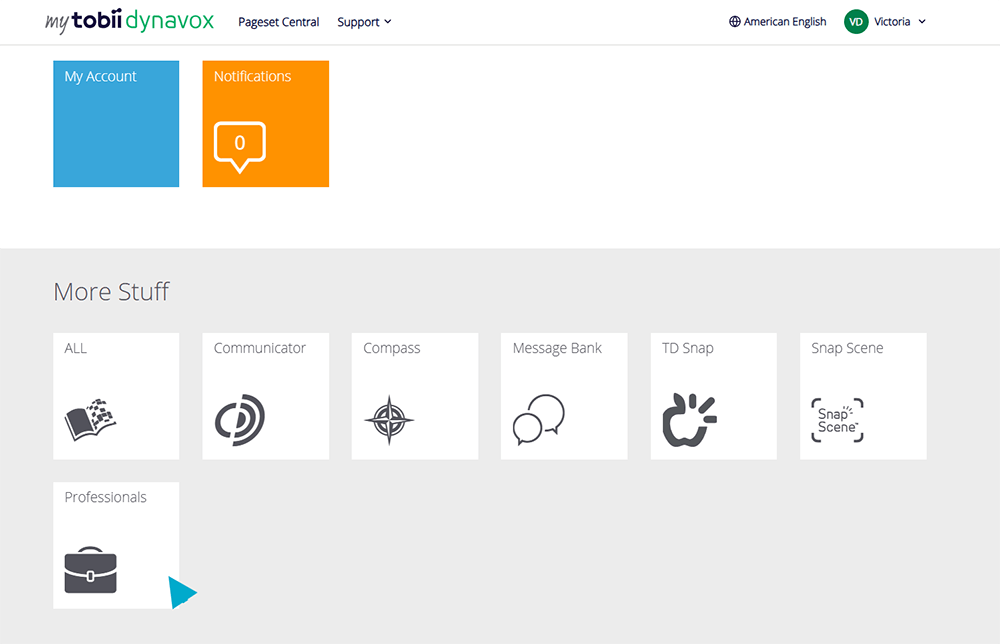
The following video from Tobii Dynavox, walks Speech Language Pathologists through the process of creating a Professional Account at myTobiiDynavox. The video provides simple, step-by-step guidance to…
posted on
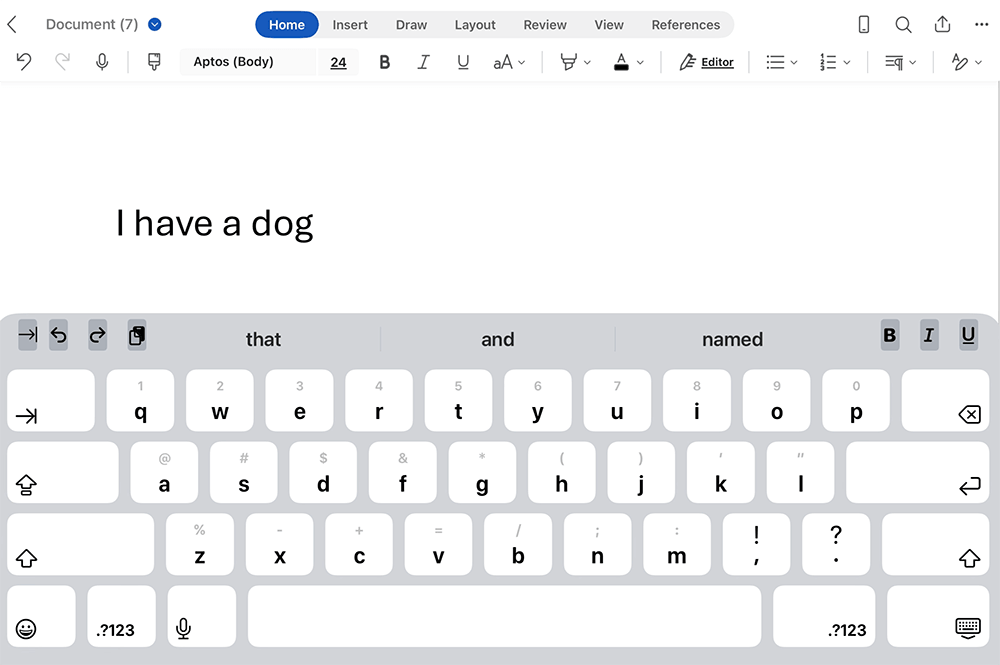
Use predictive text on an iPad with your students to support their writing. Follow along with these steps to make sure this feature is enabled. Predictive Text – iPad…

posted on
Monarch Reader by Building Wings (formerly known as Tar Heel Reader) offers free accessible digital books for emergent readers. Use the AssistiveWare converter to import stories from Monarch Reader in…
posted on
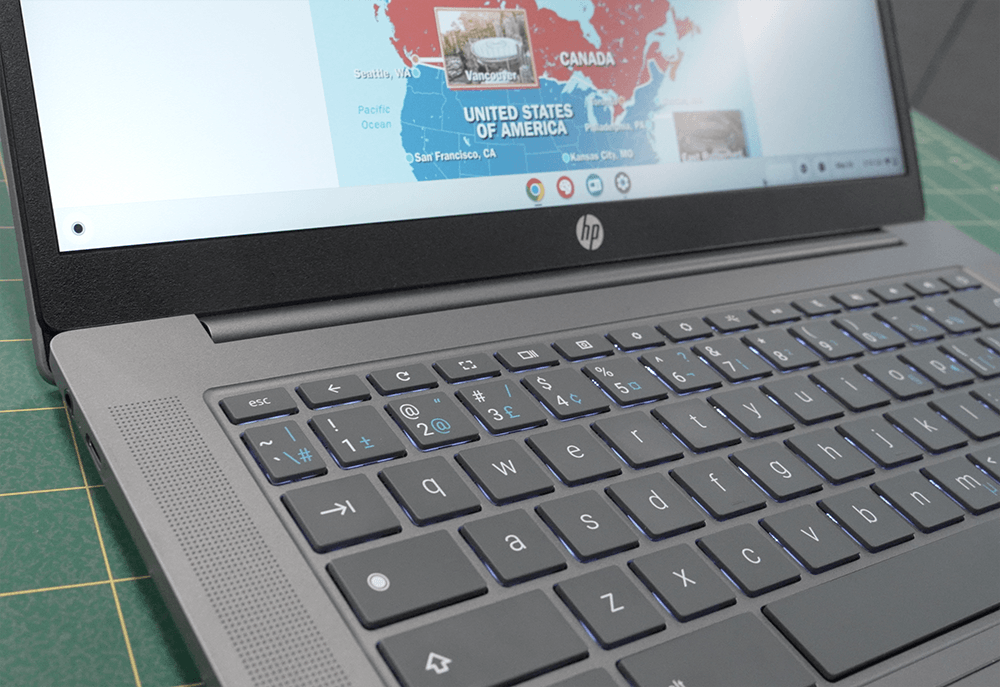
Text-to-Speech is a built-in accessibility feature on the Chromebook that allows written text on the screen to be read aloud. This tool can support students with reading by improving access to digital…
posted on
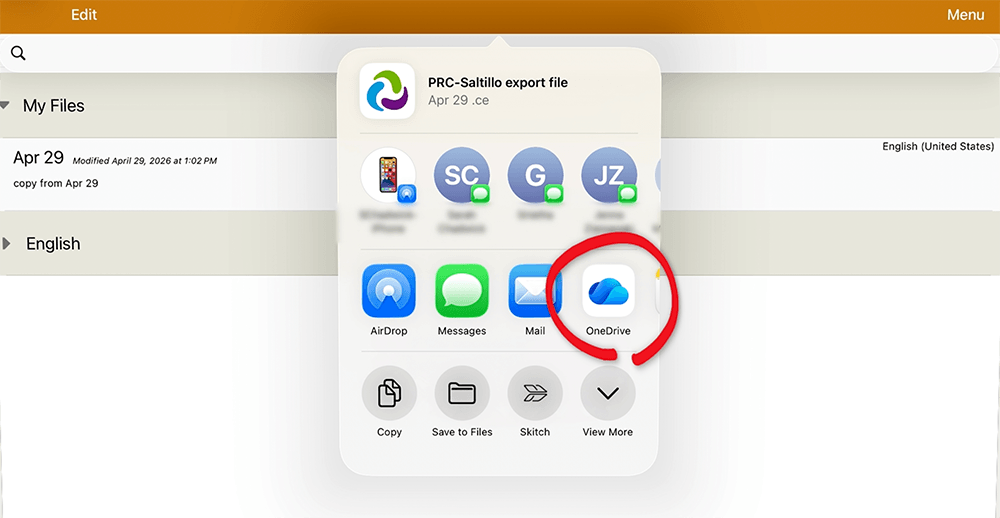
This is a quick video demonstration on how to back up and retrieve a vocabulary page set in TouchChat into your student’s Microsoft OneDrive account. It’s important to always back up your …
posted on
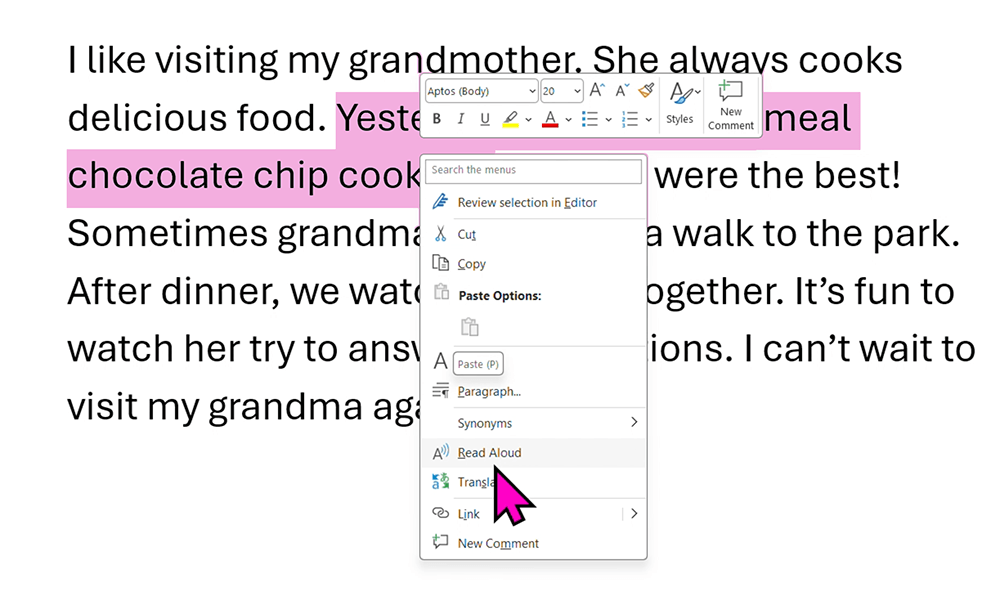
Explore built-in Text to Speech tools on a Windows device, to support reading for all learners. Text-to-Speech (Windows)…
posted on
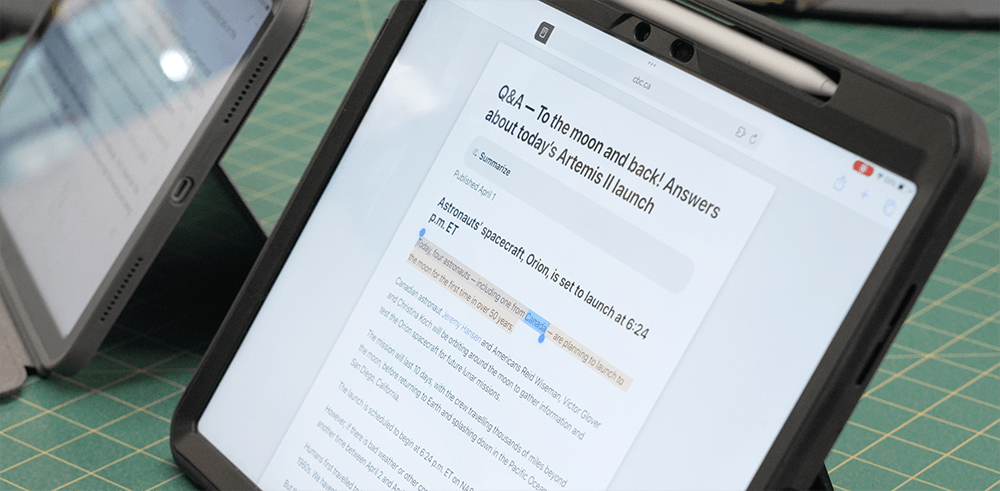
In this video, we’ll show you how to use Text-to-Speech tools on the iPad to have written text read aloud and support learning and access. Text-to-Speech (iPad)…
posted on
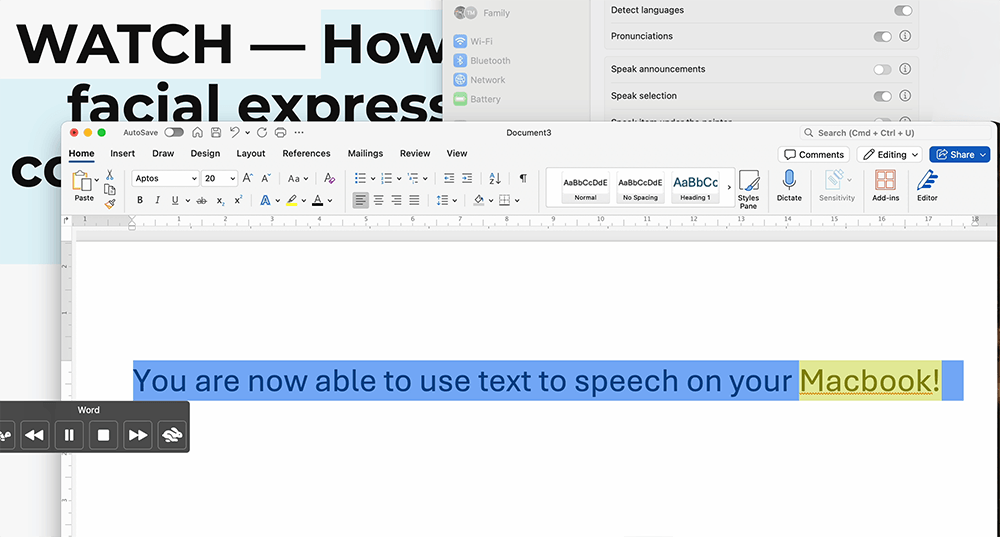
Did you know that MacBooks have built-in tools to read text aloud? Learn how to use and customize your MacBook Text to Speech features to support everyday reading and accessibility. Text-to-Speech (Ma…
posted on
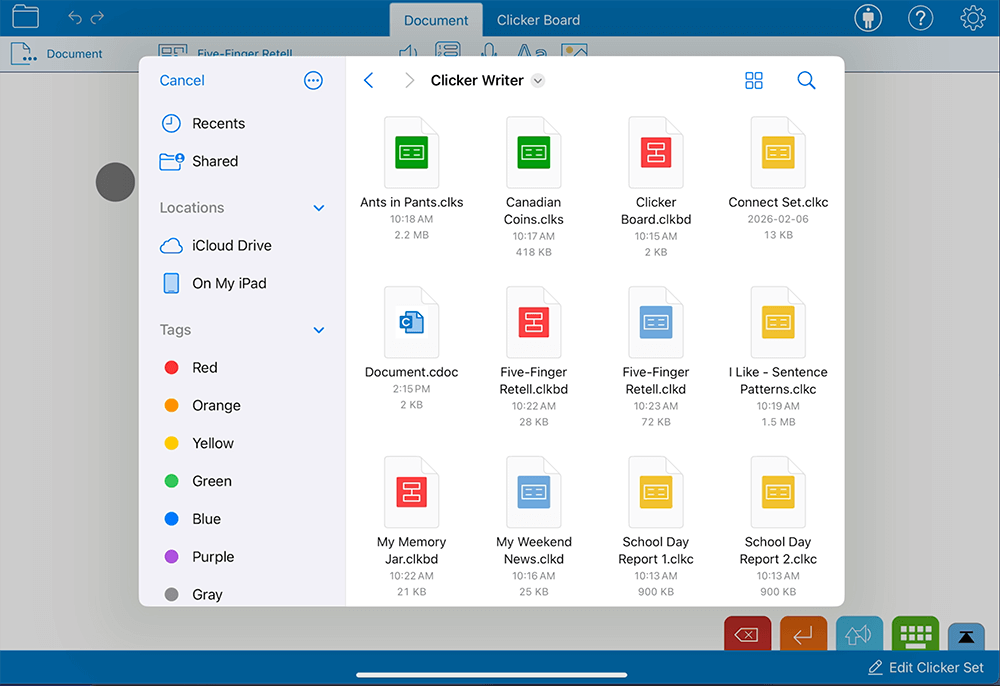
This video walks you through setting up iPad Files to simplify where to save and find Clicker Sets and documents. Clicker files on an iPad…
posted on
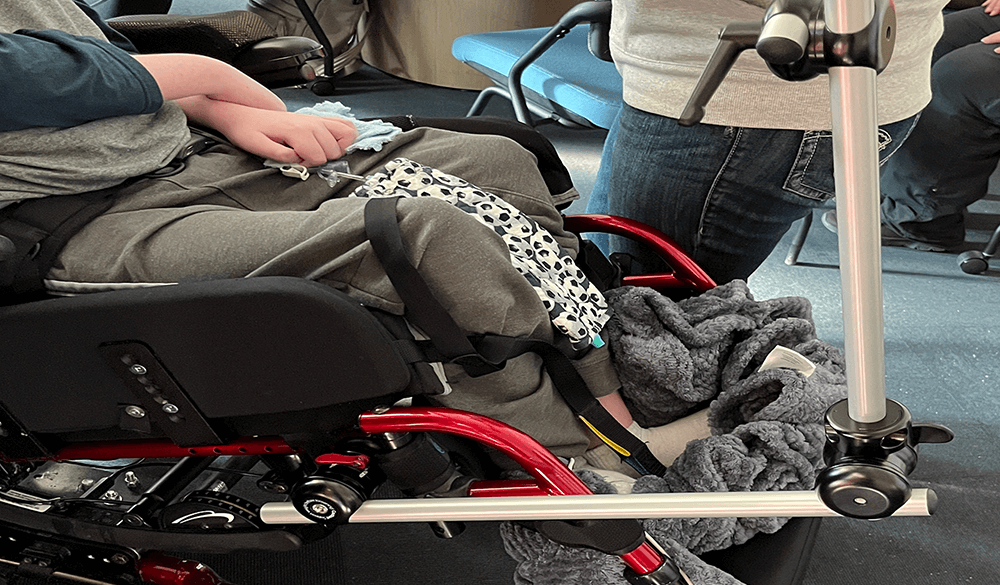
We took ‘a minute or so’ on the road to feature an occupational therapist training school staff in a real school environment! This video demos how to safely attach and remove a wheelchair mount,…
posted on
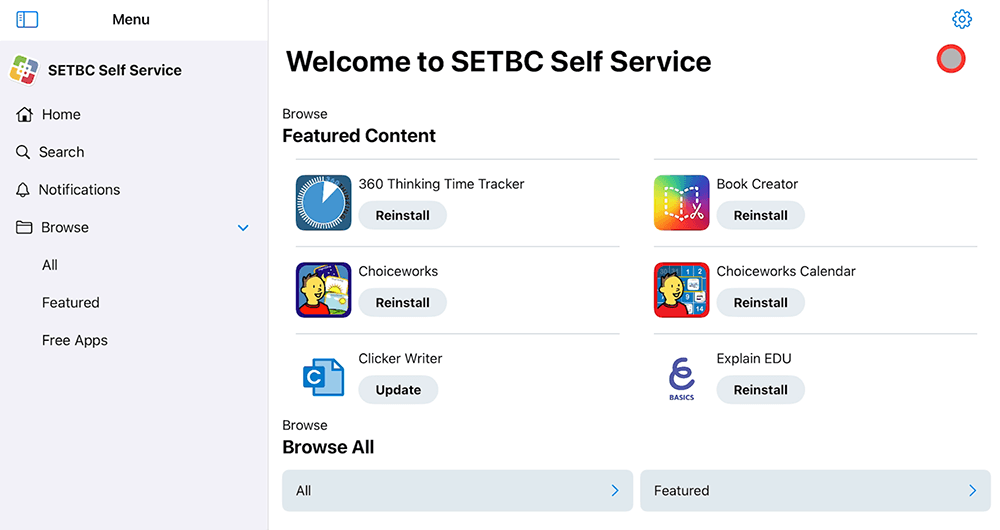
About this Resource To install an app that has been pushed out by one of our wonderful Technicians to a SET-BC iPad, ensure the iPad is first connected to the internet and the wifi is working. Then, g…

posted on
This short video will walk you through how to download and use the unofficial Libby grid set in Grid 3. The grid set is designed to make accessing Libby easier for users with complex communication or …
posted on
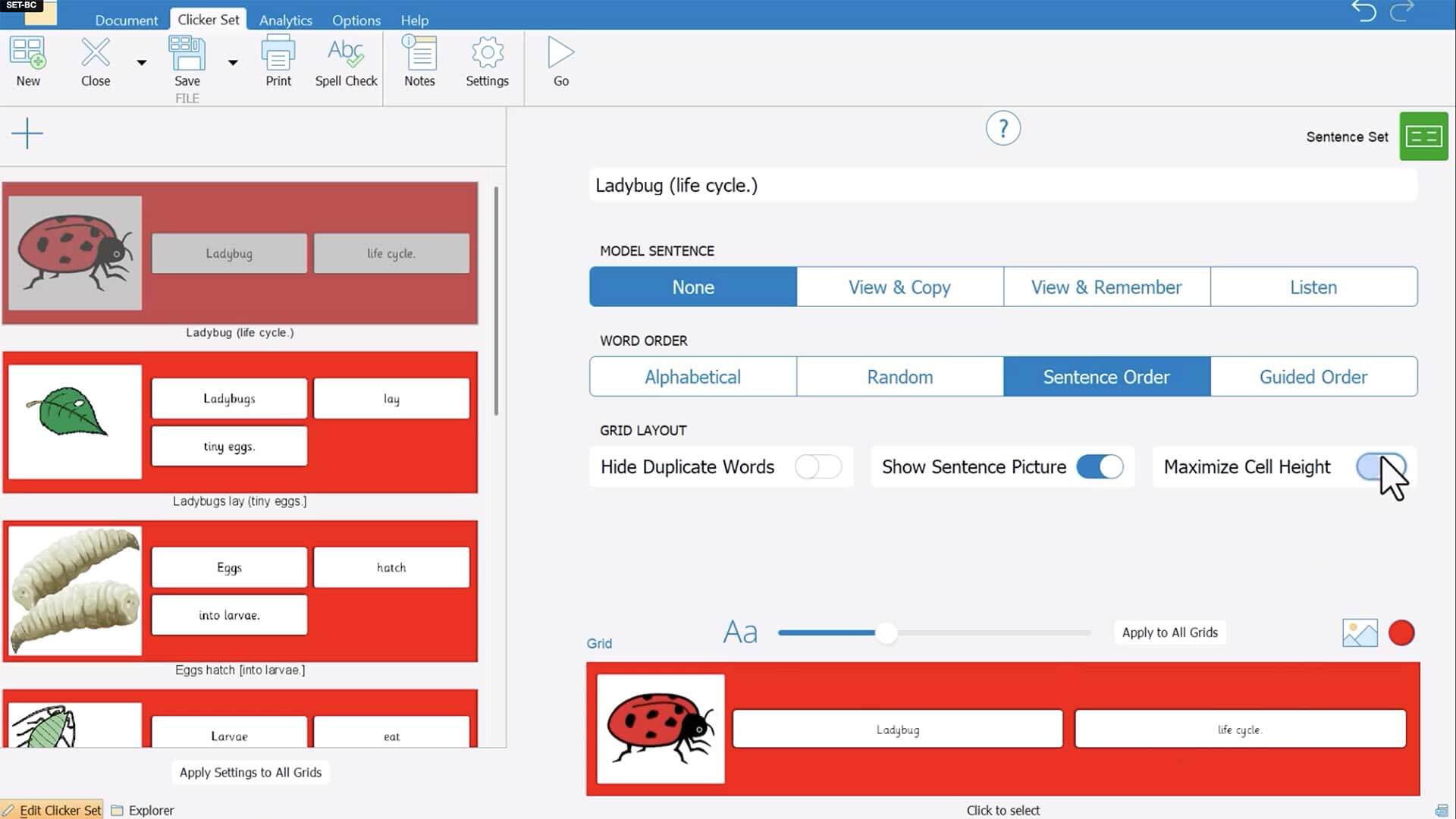
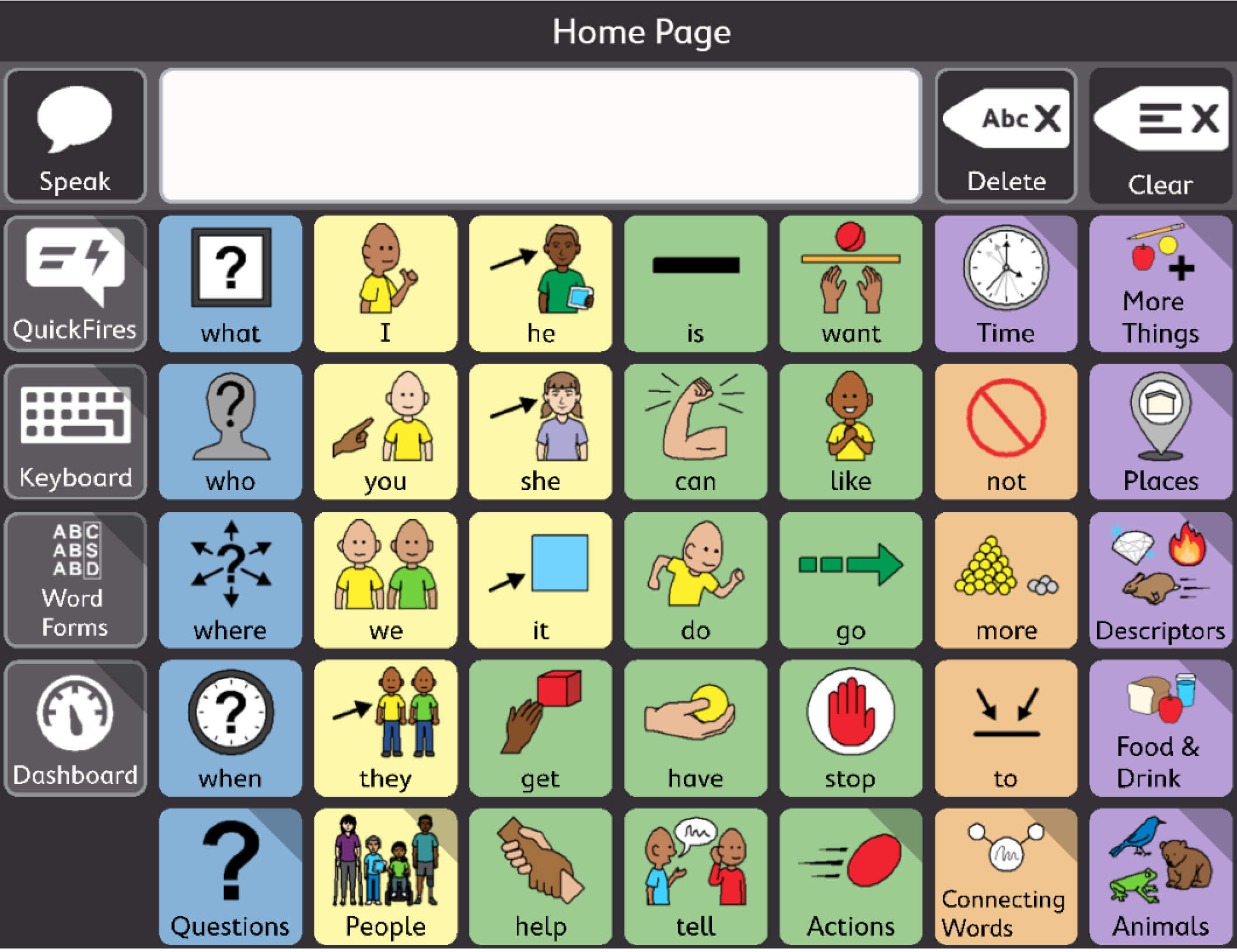
In this video, we demonstrate how to enlarge the features of Clicker Sentence Sets to enable easier physical or eye gaze access.
posted on
In this video, we demonstrate how to set up TD Snap to use 2 different voices at the same time. Learn how to add languages and voices to TD Snap and how to assign a specific language/voice to a specif…
posted on
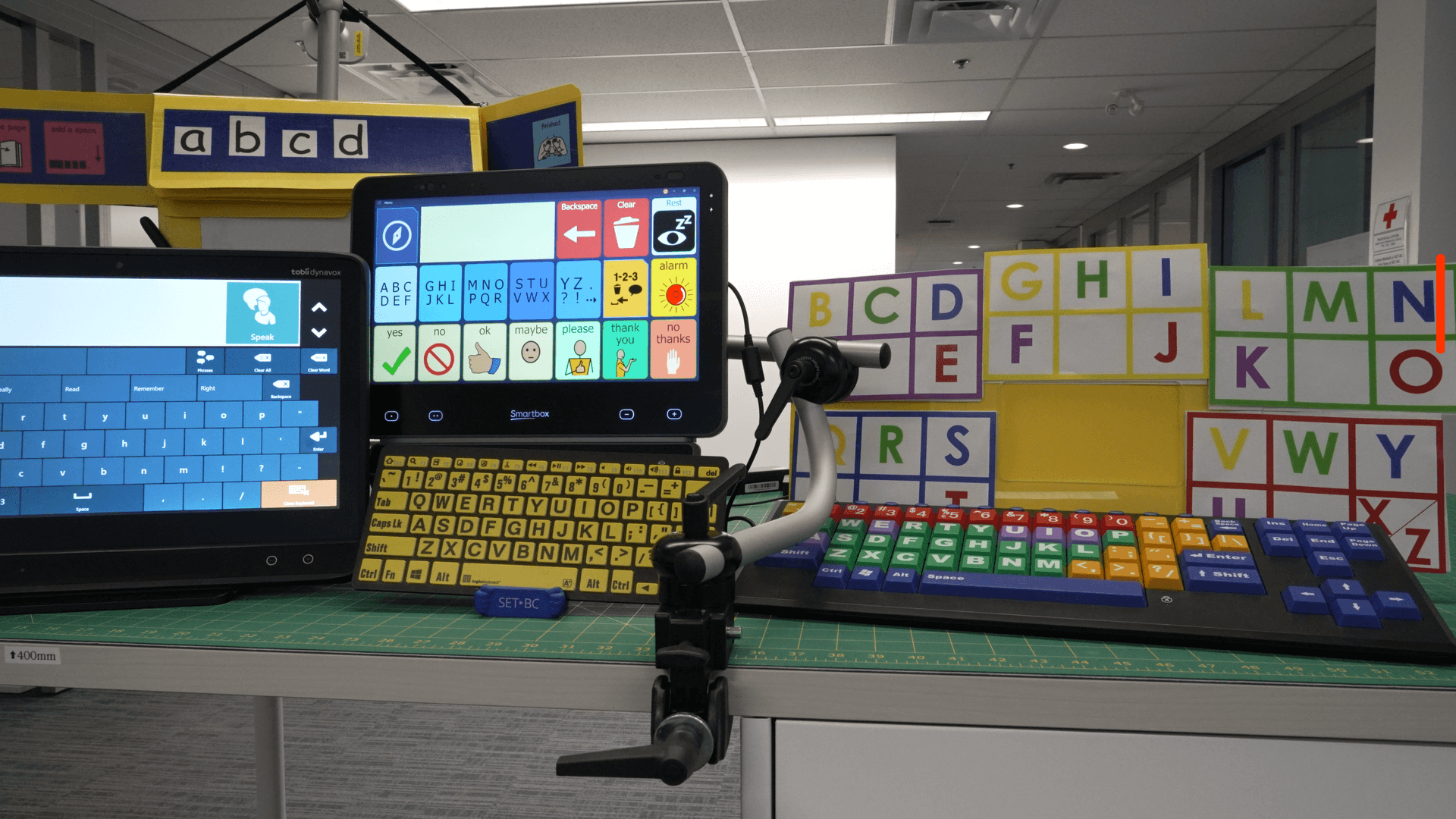
Not every student can hold a pencil, but every student can learn to write! Whether it’s eye gaze, pointing, or switches, alternative pencils give students access to all 26 letters in a way that works …
posted on
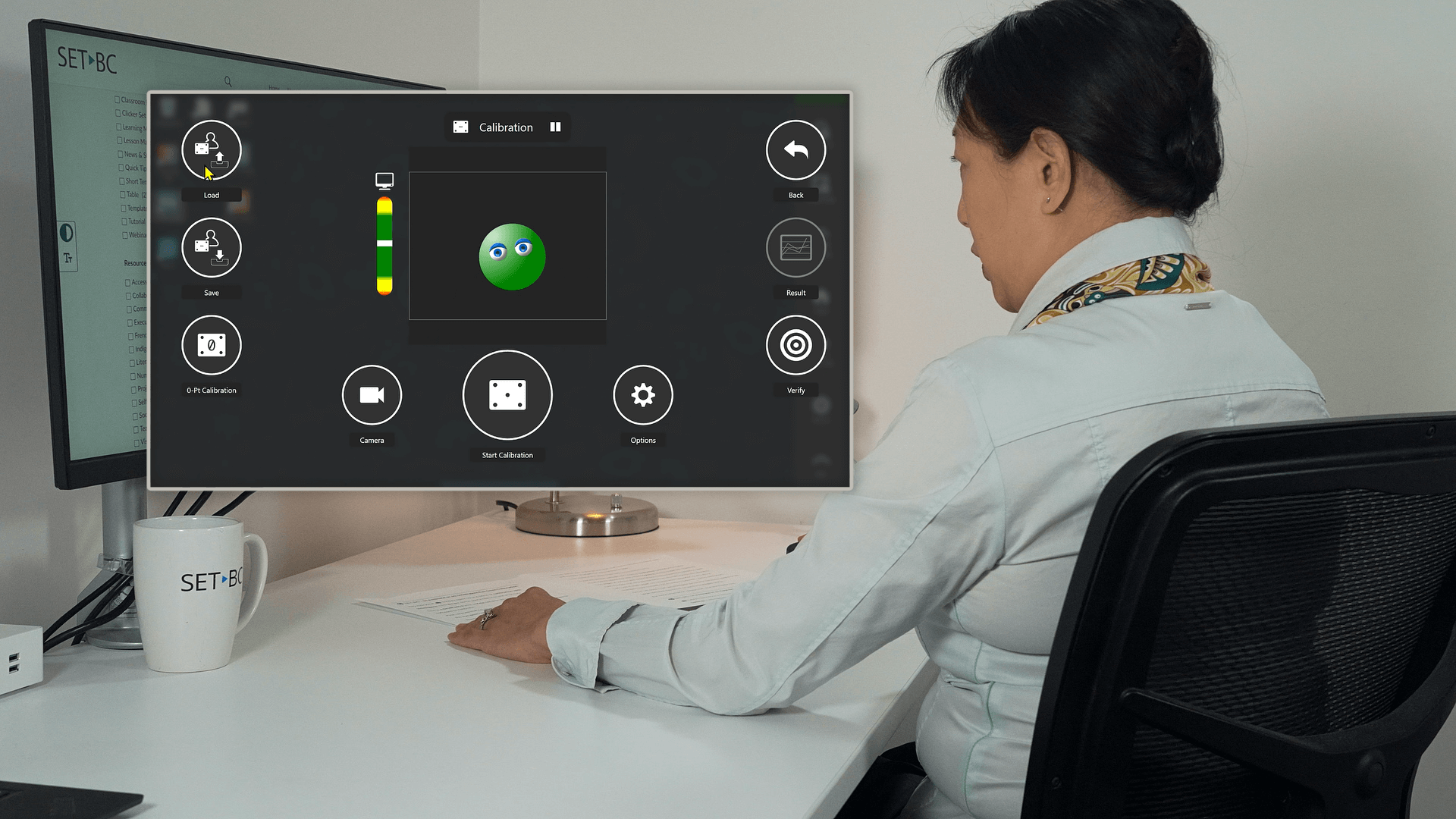
In this video, we share some key helpful tips while demoing how to calibrate for eye gaze using IntelliGaze software on a Grid Pad 13 with Vida camera.
posted on
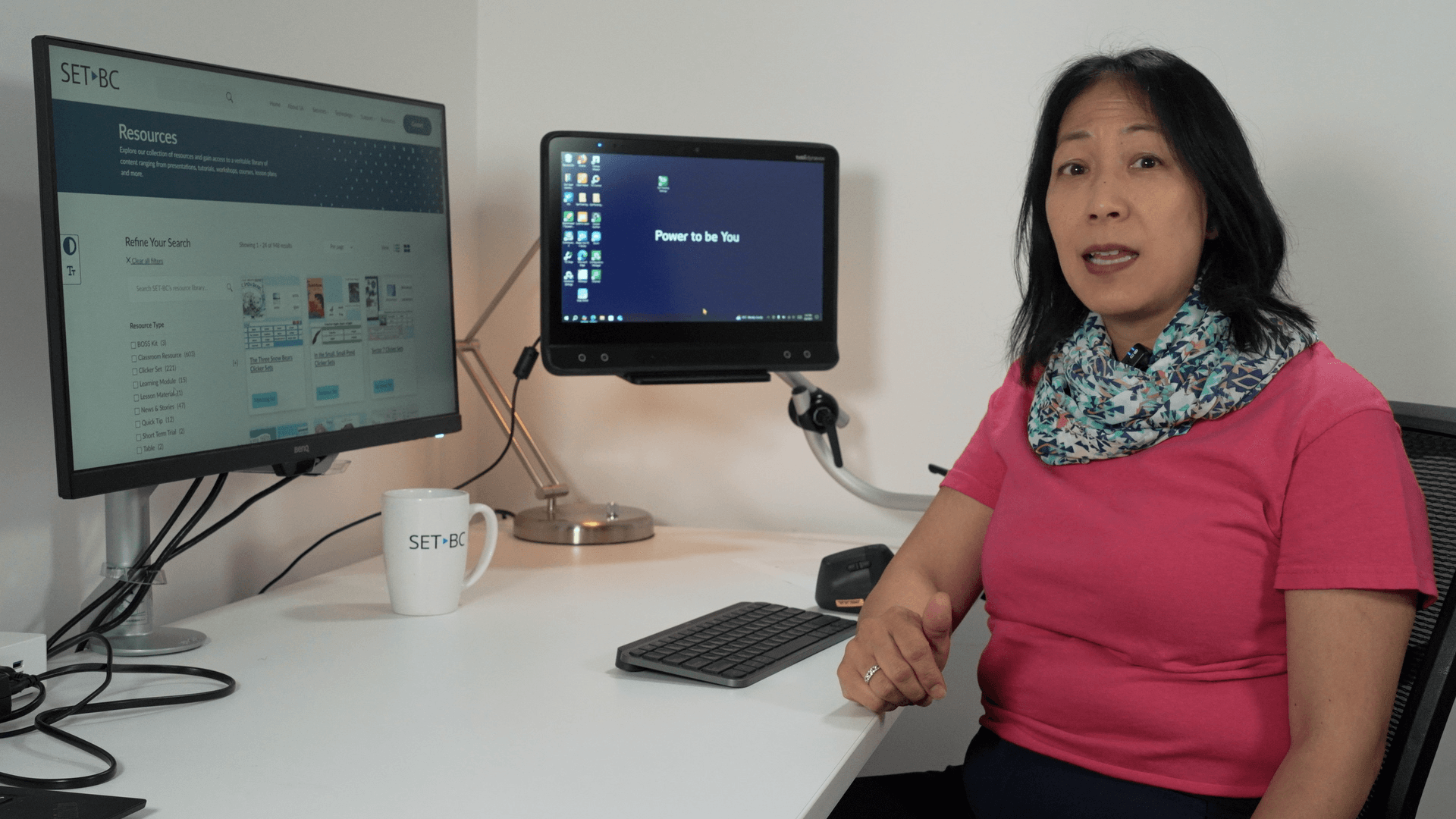
This video demos eye gaze calibration using Tobii Eye Tracking settings. Before you calibrate, it is important to first customize the target number, style, speed and size and then create a user profil…
posted on
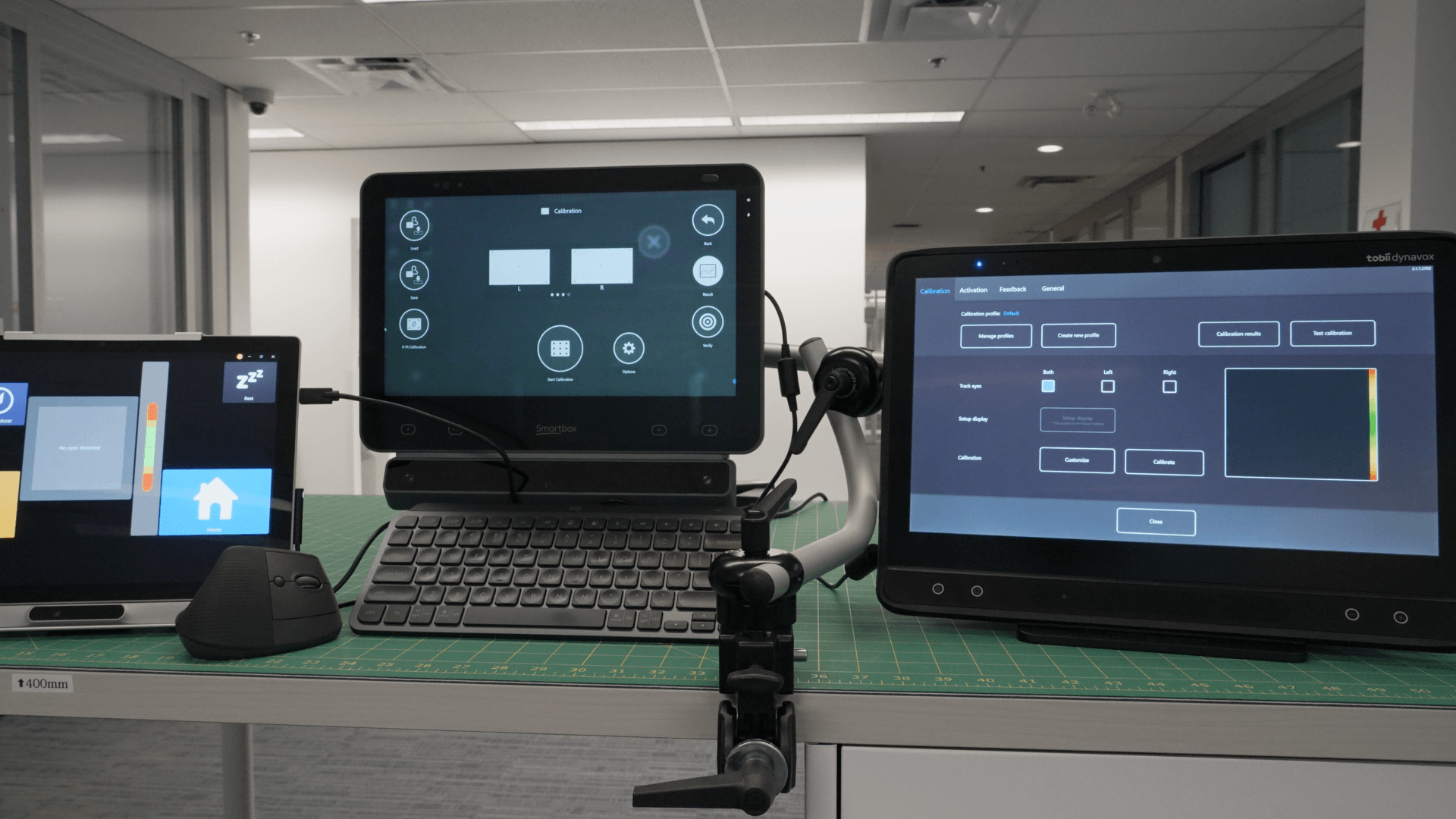
Want smoother, more accurate eye gaze interaction with your device? It starts with calibration! Different software options offer unique features—some save profiles, others adjust target sizes or offer…
posted on
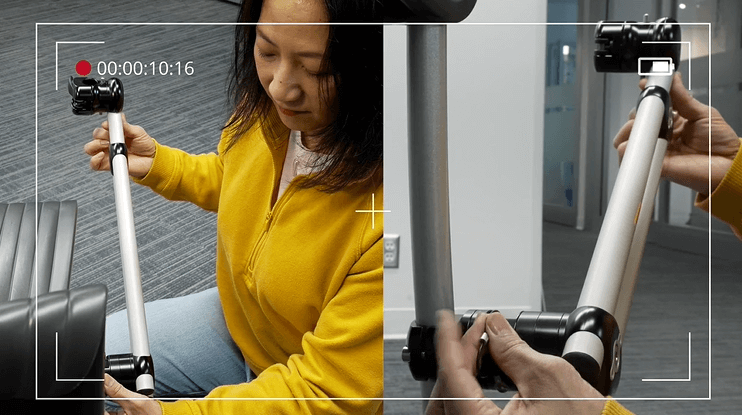
If you are using a custom device mount on your student’s wheelchair, the M3D Base Coupler is a handy add-on that makes removing and re-attaching a mount to a wheelchair easier. It’s a safer, faster an…