No More Accidental Pauses!
Quick Tip
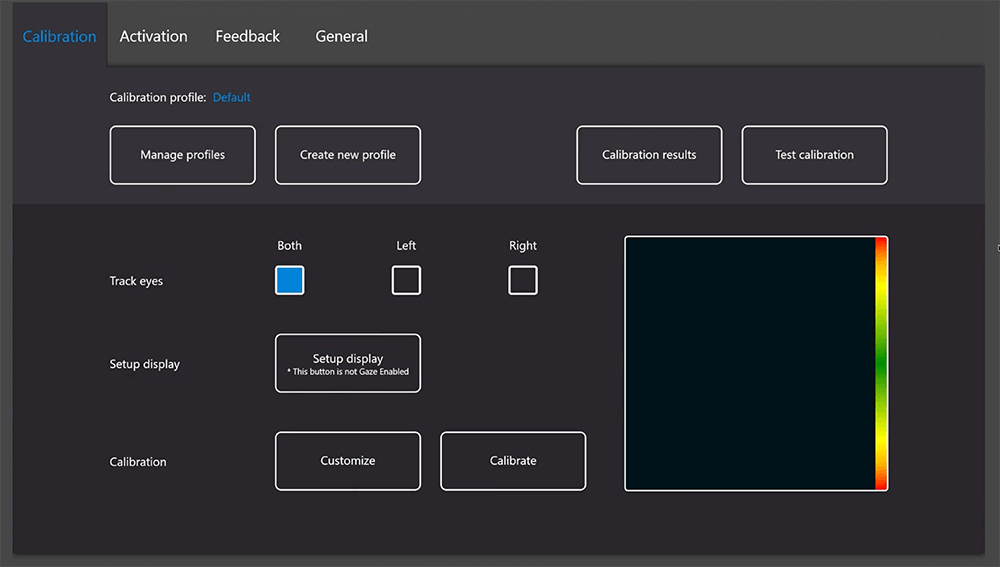
Turning Off the Off-Screen Menu in Eye Gaze System
The Off-Screen Menu is a feature within Eye Tracking Settings that allows users to access system controls (such as pause, calibration, and settings) by looking outside the edges of the screen. While this can be helpful for experienced users, it may lead to accidental activations for students who are new to eye gaze or still developing control. Turning the Off-Screen Menu off helps create a more stable and predictable experience, allowing the student to focus on eye gaze activities without unintended interruptions. This will guide you through how to turn off the Off-Screen Menu to support more consistent and successful eye gaze use.