Enlarging Clicker Sentence Sets for Physical and Eye Gaze Access
posted on
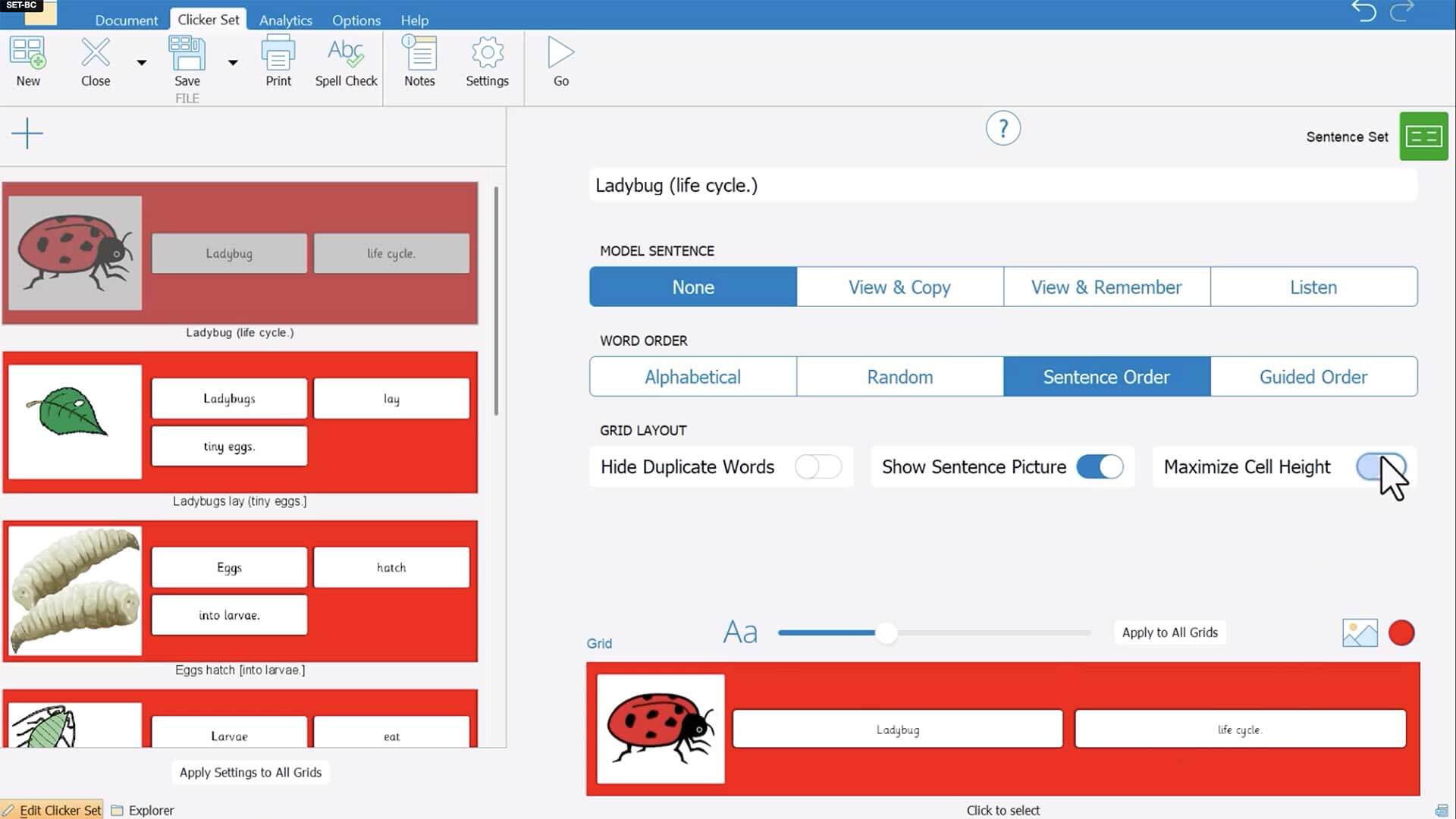
In this video, we demonstrate how to enlarge the features of Clicker Sentence Sets to enable easier physical or eye gaze access.
posted on
In this video, we demonstrate how to enlarge the features of Clicker Sentence Sets to enable easier physical or eye gaze access.
posted on
In this video, we demonstrate how to set up TD Snap to use 2 different voices at the same time. Learn how to add languages and voices to TD Snap and how to assign a specific language/voice to a specif…
posted on
Not every student can hold a pencil, but every student can learn to write! Whether it’s eye gaze, pointing, or switches, alternative pencils give students access to all 26 letters in a way that works …
posted on
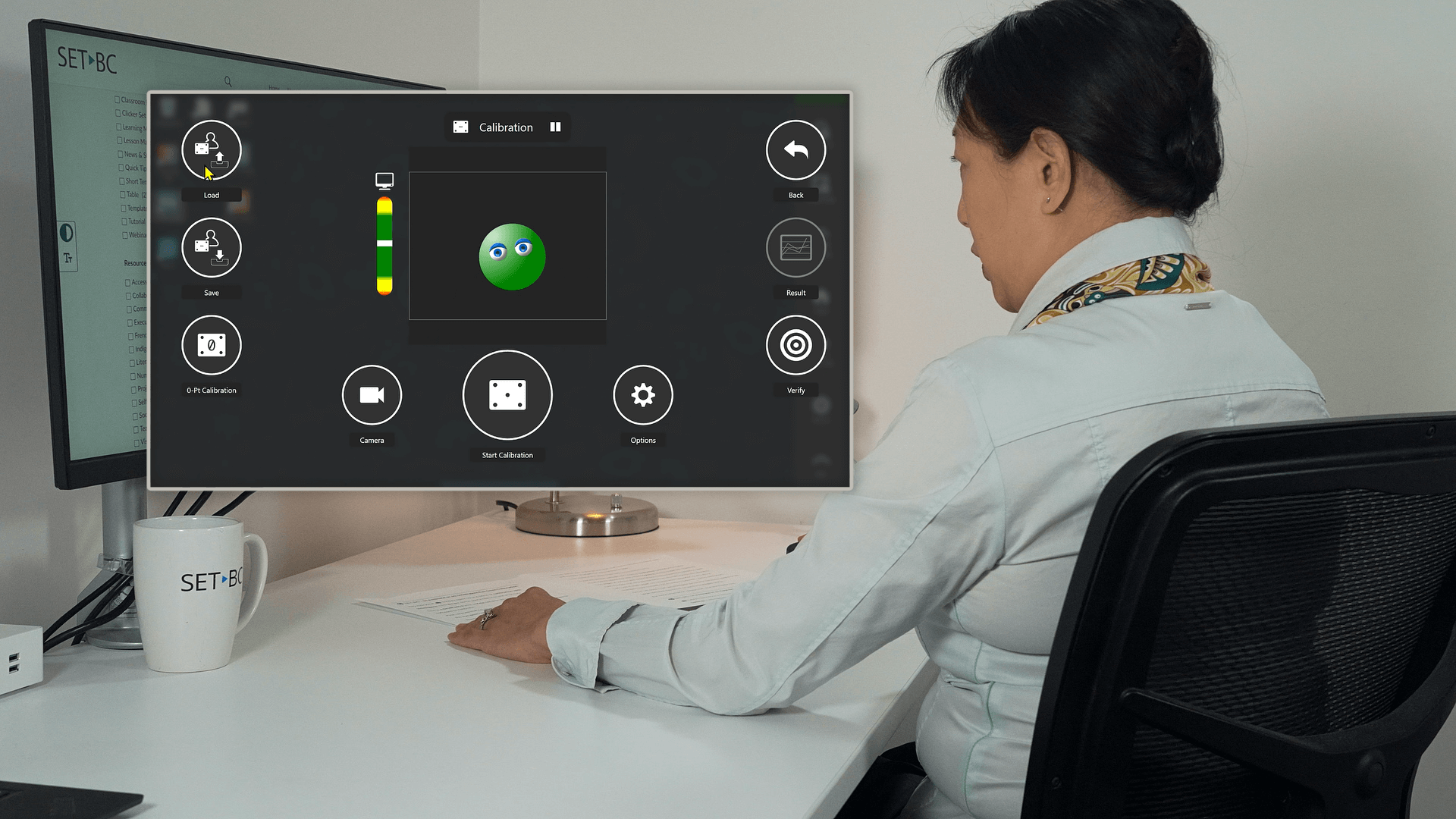
In this video, we share some key helpful tips while demoing how to calibrate for eye gaze using IntelliGaze software on a Grid Pad 13 with Vida camera.
posted on
This video demos eye gaze calibration using Tobii Eye Tracking settings. Before you calibrate, it is important to first customize the target number, style, speed and size and then create a user profil…
posted on
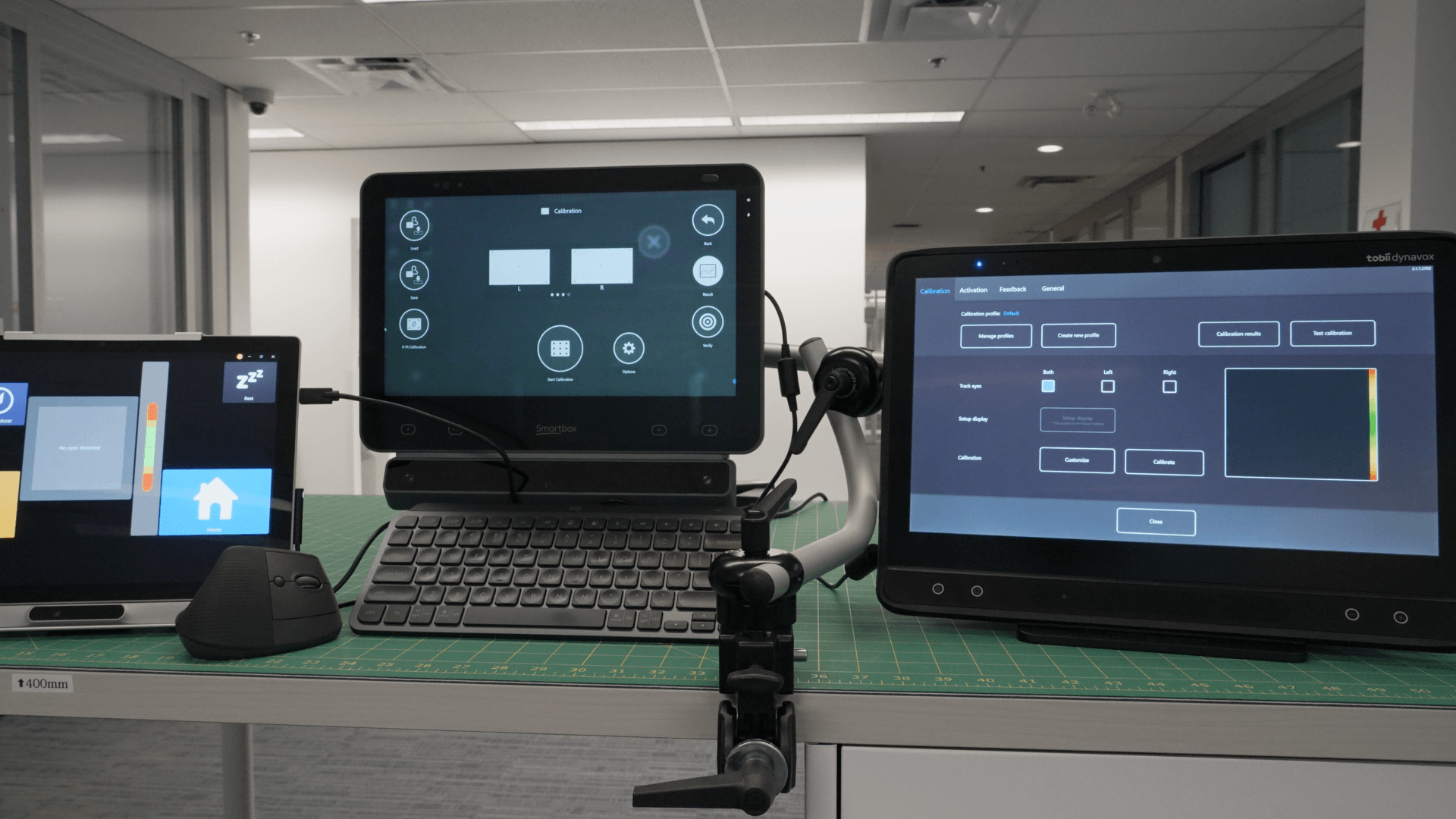
Want smoother, more accurate eye gaze interaction with your device? It starts with calibration! Different software options offer unique features—some save profiles, others adjust target sizes or offer…
posted on
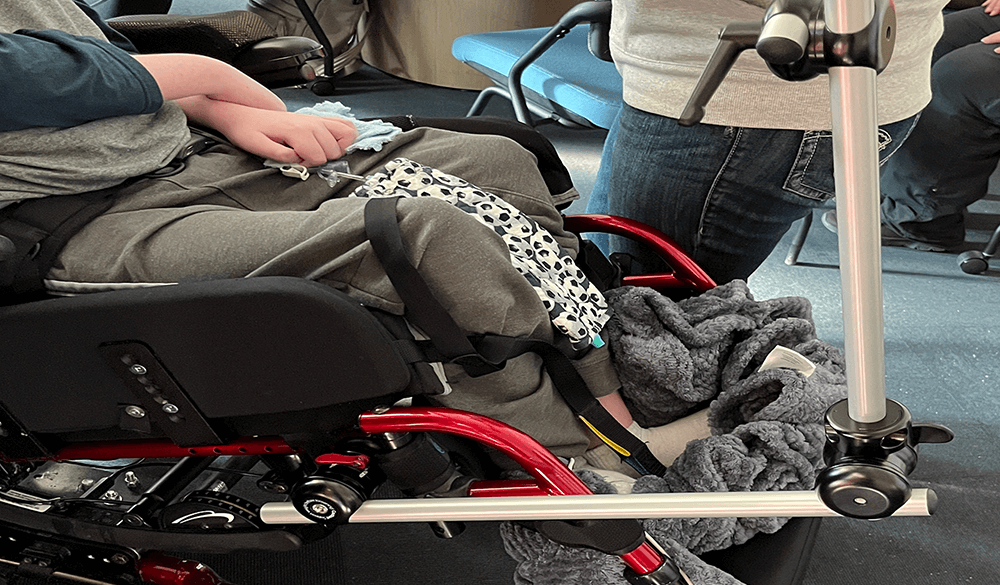
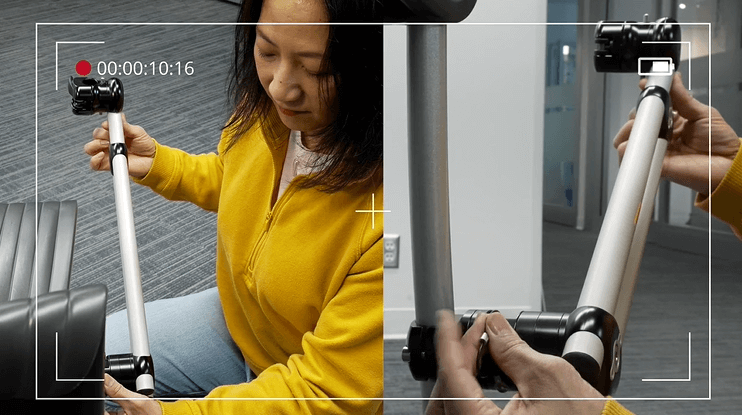
If you are using a custom device mount on your student’s wheelchair, the M3D Base Coupler is a handy add-on that makes removing and re-attaching a mount to a wheelchair easier. It’s a safer, faster an…
posted on
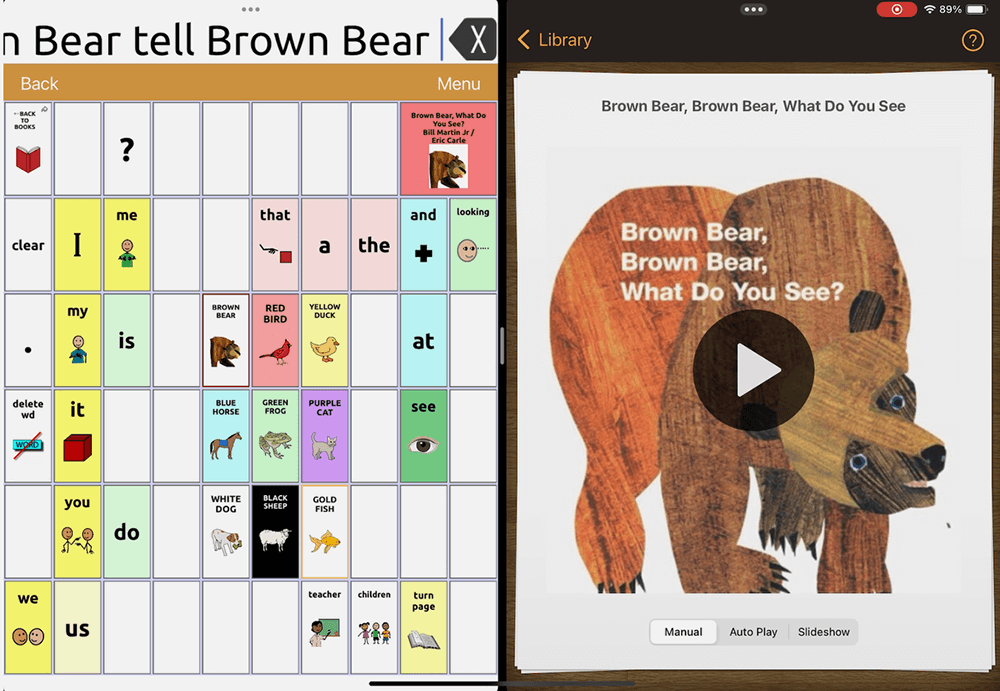
In this video, we demonstrate how to set up split screen to support shared reading using TouchChat and Pictello on the iPad. Shared reading is an interactive experience where a communication partner a…
posted on
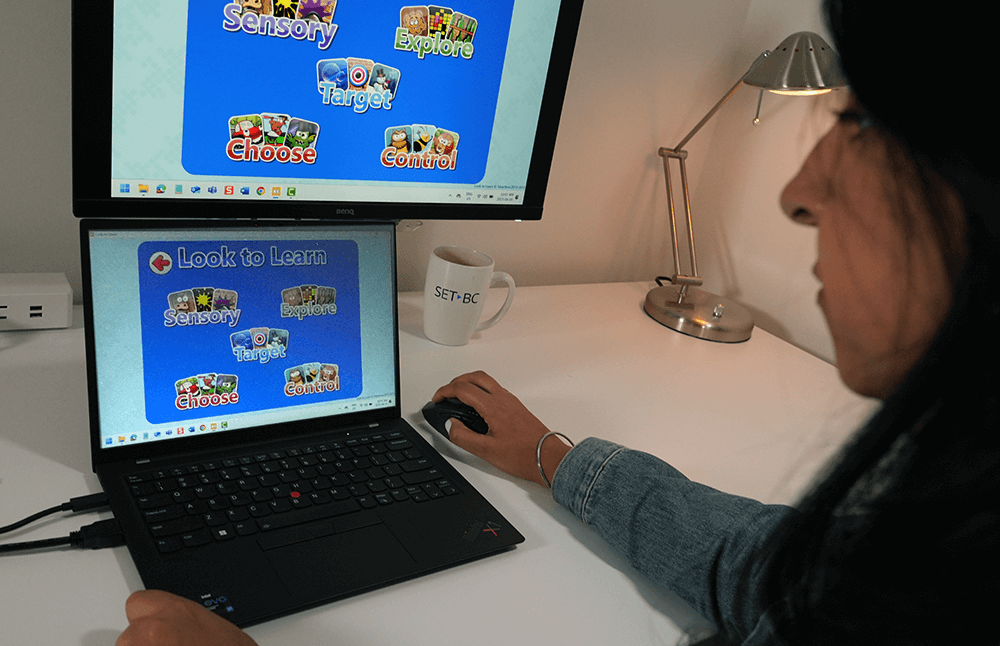
Look to Learn is a software by Smartbox that may be used to help students develop and strengthen eye gaze skills for them to access communication and learning. It has 40 activities in 5 areas to explo…
posted on
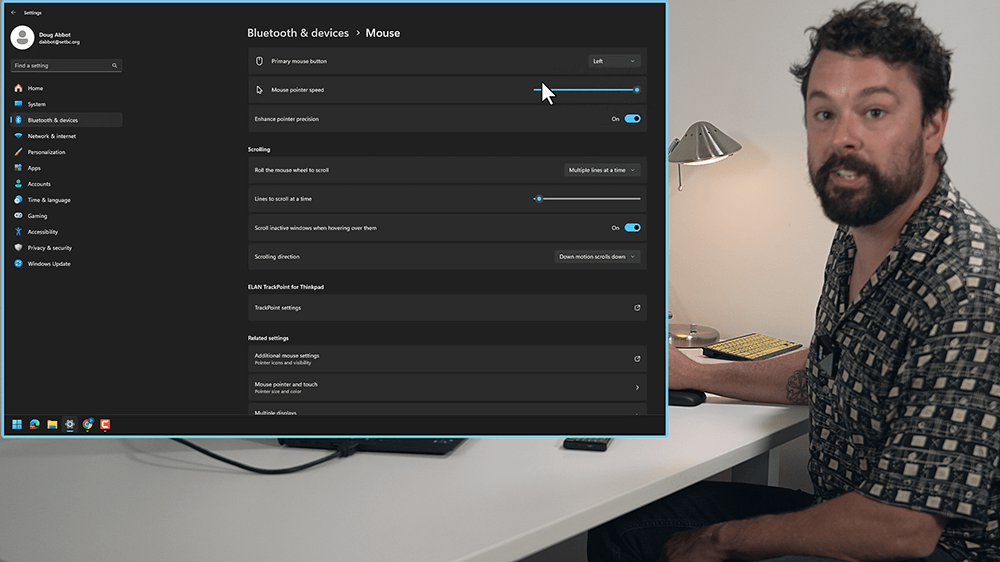
In this video Doug introduces different ways to use the accessibility features in a PC to make mouse control more accessible.
posted on
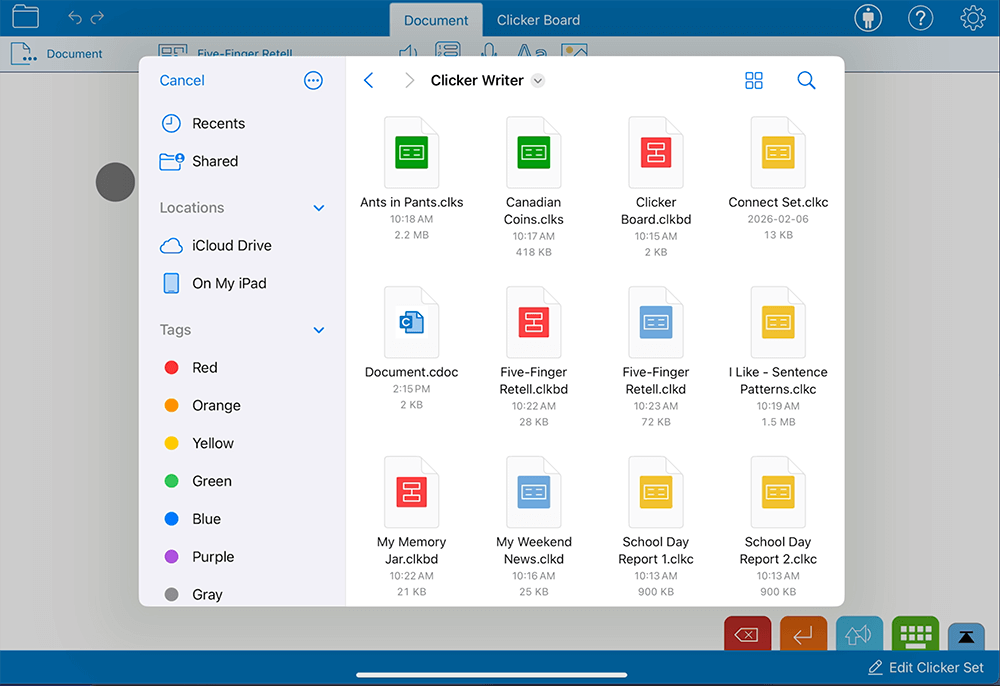
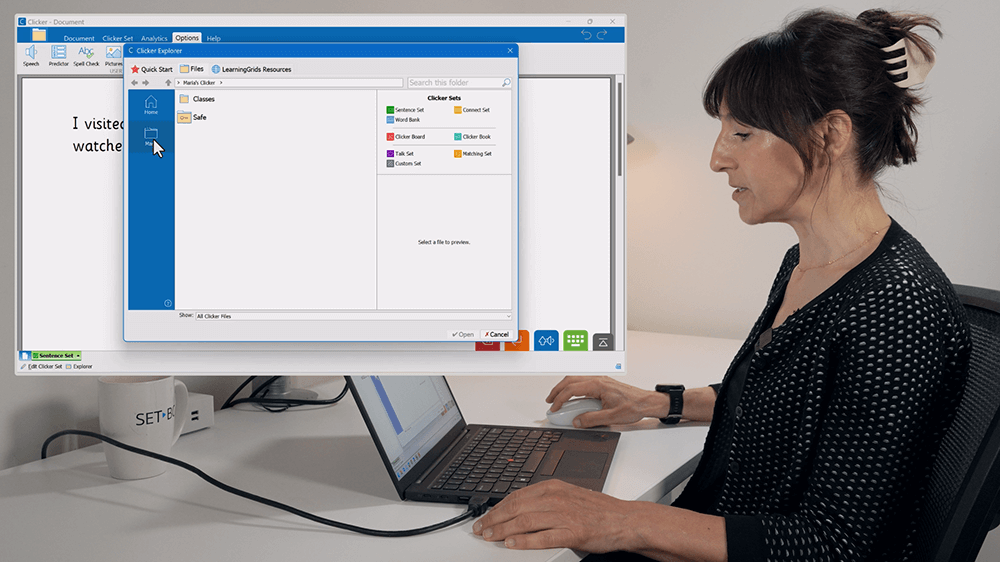
Saving in Clicker can be confusing, with its different folders and locations. Create a Clicker environment that makes saving work for your student easy and fool-proof. To do this, clean up the Explore…
posted on
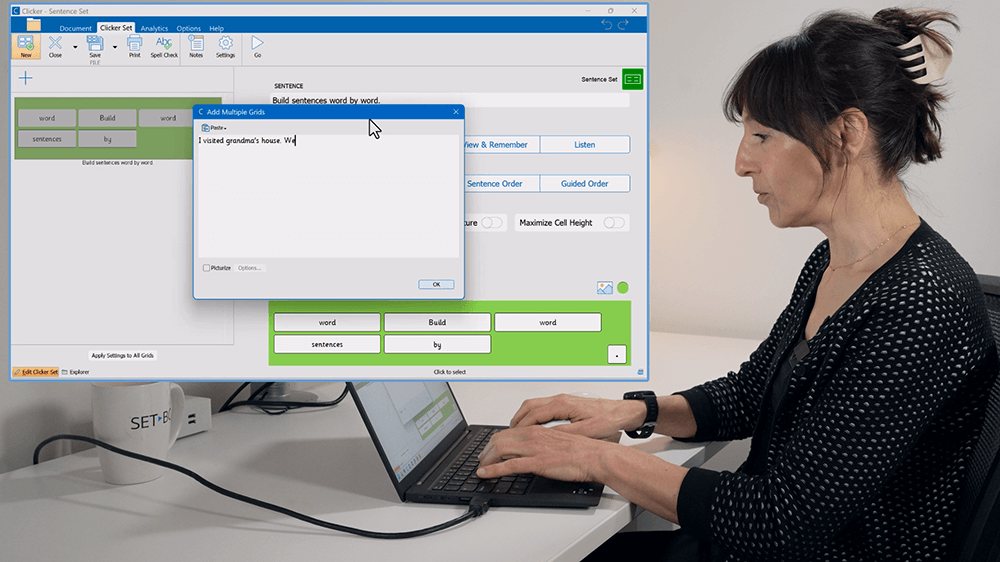
Sometimes you don’t have time to create a Clicker Set, and you need that writing activity for your student right now! Here, Maria shows you how to do this, by quickly building a Sentence Set tog…
posted on
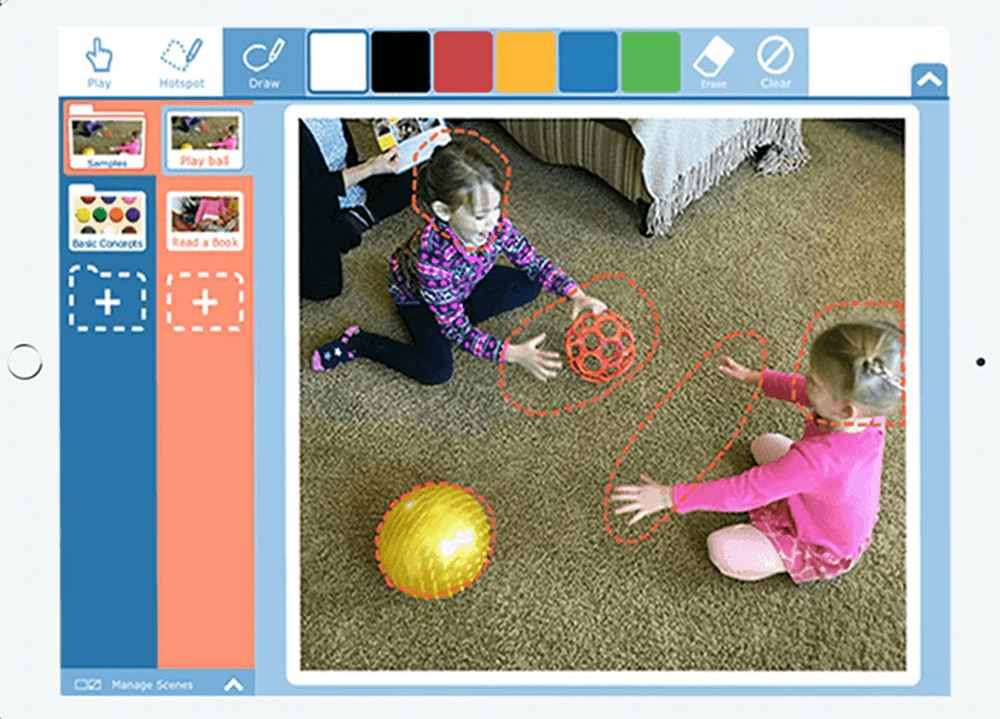
Snap Scene is a fast and easy way to create a visual scene for students who may require support for communication. Snap Scene’s ability to use photos to create speech “hotspots” allows students to sha…
posted on
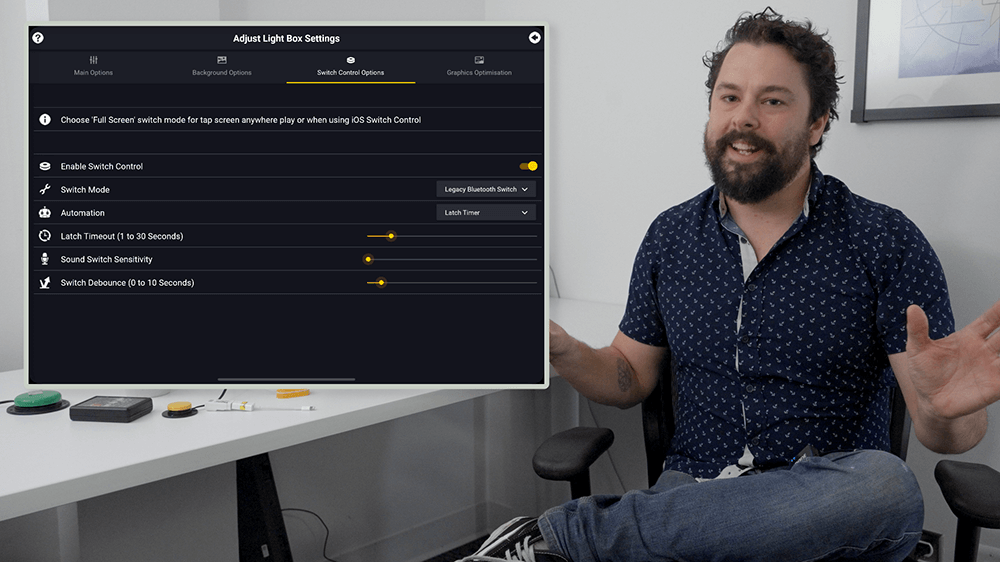
Most switch accessible apps are all ready to go, but some take a little tweaking. Sensory Light Box is one of those that takes a little tweaking. Doug shows you how to get switch access to work with S…
posted on
Supporting literacy with a switch user has never been so easy! Pictello is set up for one or two switch interactions. A single switch will allow a student to read the page, and it will automatically s…
posted on
Big Bang Patterns and Big Bang Pictures are great cause and effect apps that allow students to really explore one and two switch interactions. As long as your switch interface is set up correctly (see…
posted on
There are so many types of switch interfaces. In a minute or so, Doug walks you through how to set up a Bluetooth switch interface. The interface he uses is the Pretorian APPlicator. Although others m…
posted on
Monarch Reader is an amazing website with an almost limitless number of switch adapted books. It’s a free website, so nothing has to be downloaded, and it will work on any device. Students can navigat…
posted on
NOTE! – Switch Access to AAC Gameplay was formerly known as Tarheel Gameplay. Like Monarch Reader, Tar Heel GamePlay is a website available on any device. It allows students to play switch activ…